3. Mirror Server Setup
Complete this page before the DP maintenance window whenever possible. The goal is simple: the Mirror Server must report Upgrade Readiness = PASS and you must generate fresh DP client commands before touching the DPs.Before you begin
Confirm the Mirror Server:- runs Ubuntu 24.04 LTS amd64
- has at least 100 GB total disk for the current artifact set
- has a stable IPv4 address reachable by every target DP
- has outbound access required for GitHub, Cloudflare R2, ACPS, and Ubuntu bootstrap packages
- has the ACPS credentials available
- has the DL/DA worker IPs and common
aellaworker password available when this is a clustered deployment
Step 1 — Install Mirror Manager
Run:install.sh just because the SSH session disconnected.
Screenshot note: one uploaded historical terminal screenshot contains an older repository URL, so it is intentionally not used here. The xdr-labs/ubuntu-mirror-automation command above is the current source.
Step 2 — Understand the required workflow
The Mirror Manager displays the workflow status in one place: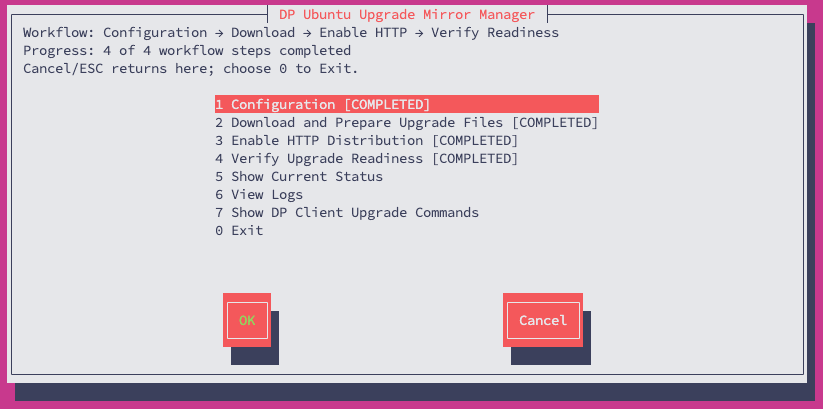
PASS.
Step 3 — Configure the Mirror Server
Open Menu 1 — Configuration.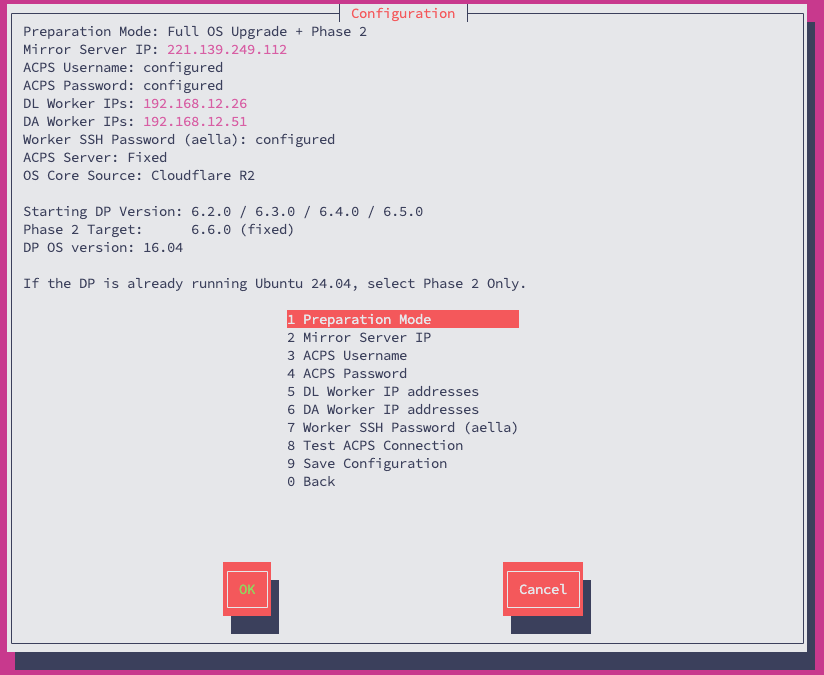
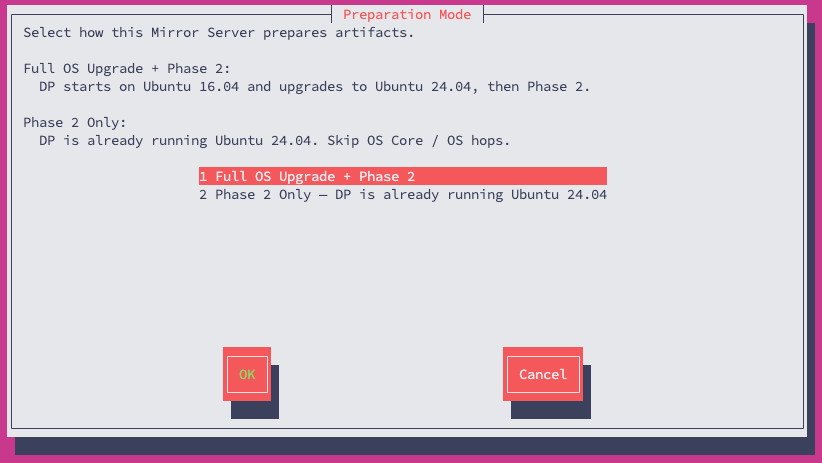
3.1 Select Preparation Mode
Choose:- Full OS Upgrade + Phase 2 when the DP still runs Ubuntu 16.04
- Phase 2 Only when a supported DP is already on Ubuntu 24.04
3.2 Confirm the Mirror Server IP
Enter the IPv4 address that the target DPs can actually reach.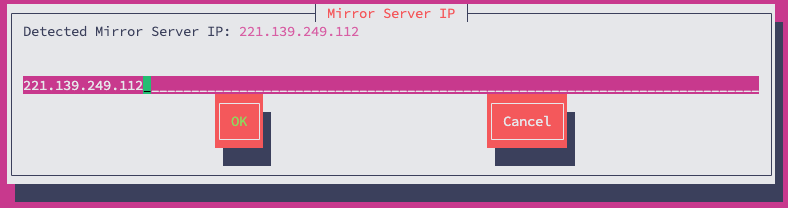
3.3 Enter ACPS credentials
Enter the ACPS username and password for the deployment.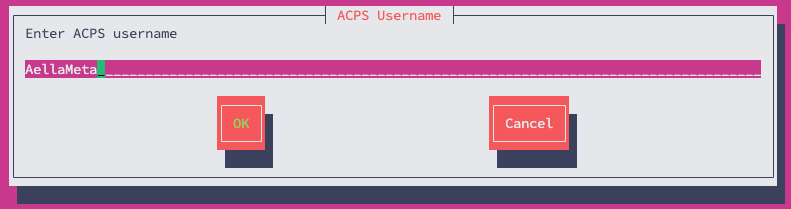
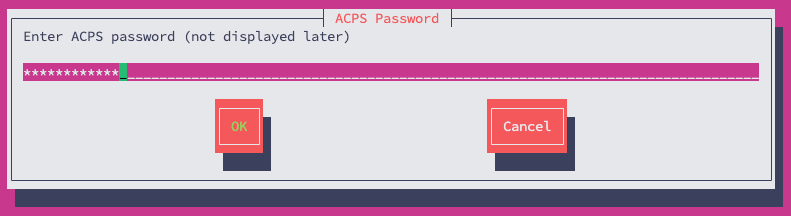
3.4 Test ACPS connectivity
Run Test ACPS Connection. The expected result is: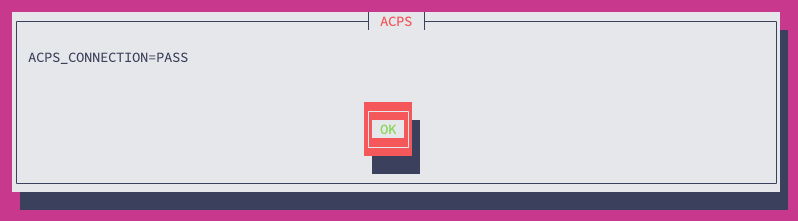
3.5 Configure workers for DL/DA clusters
Enter only the worker IPs for each cluster. Do not include the master IP in a worker list.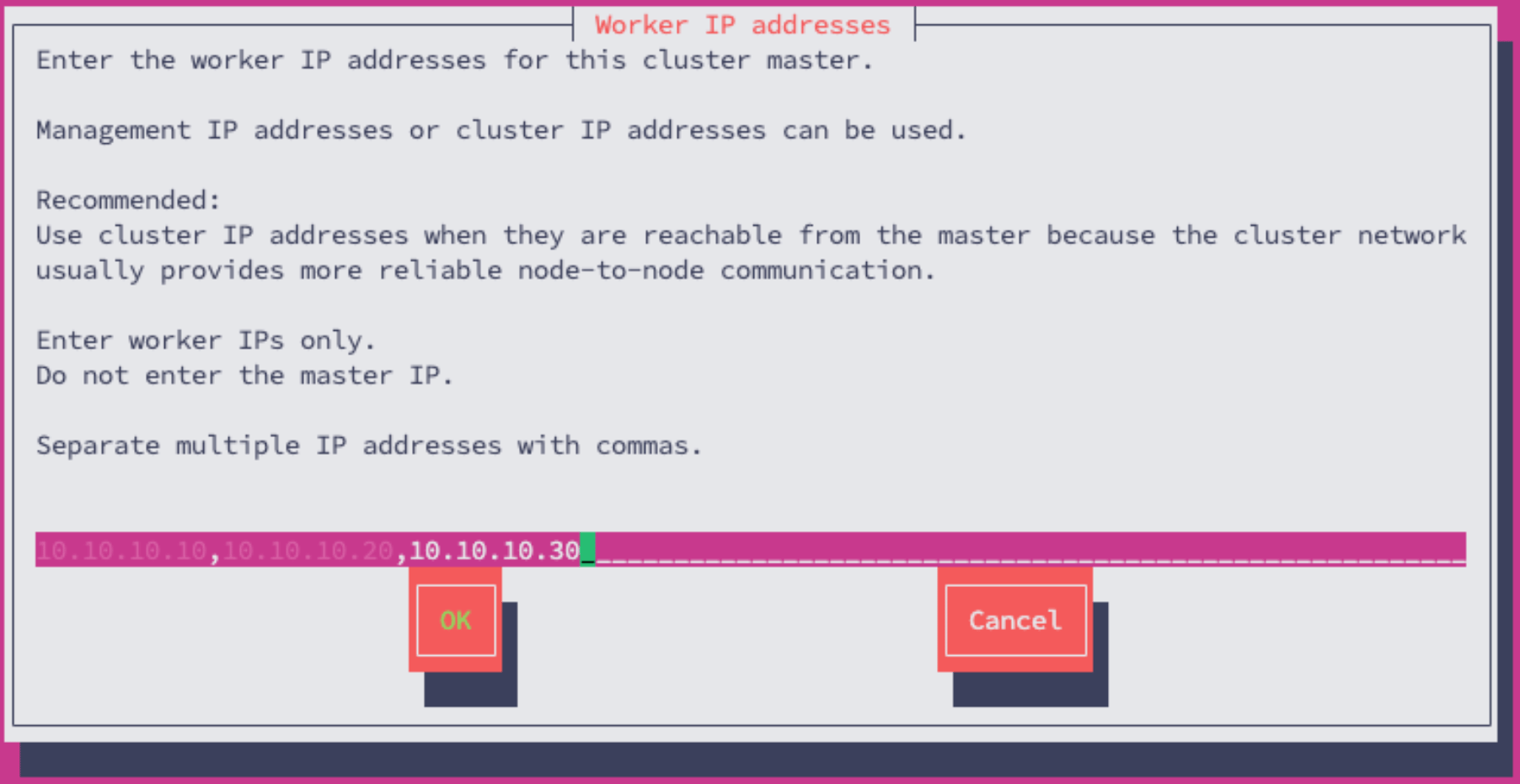
3.6 Save Configuration
Save the configuration and confirm the selected mode, Mirror Server IP, and current target.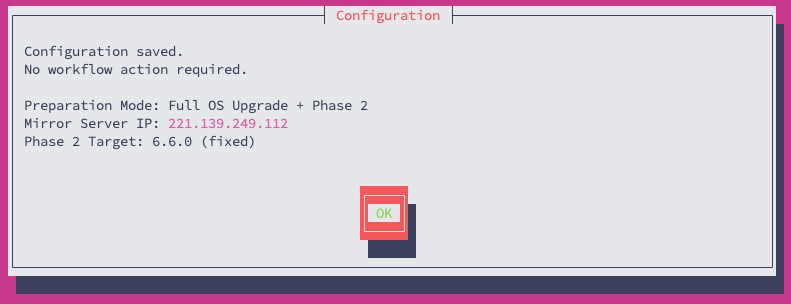
Step 4 — Download and Prepare Upgrade Files
From the main menu select Menu 2 — Download and Prepare Upgrade Files.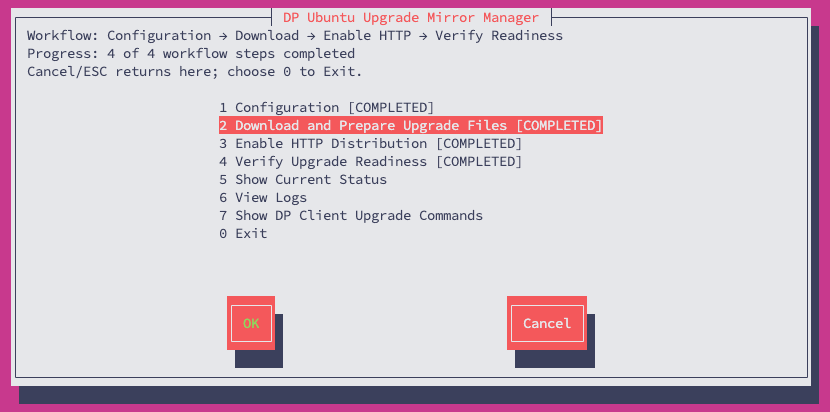
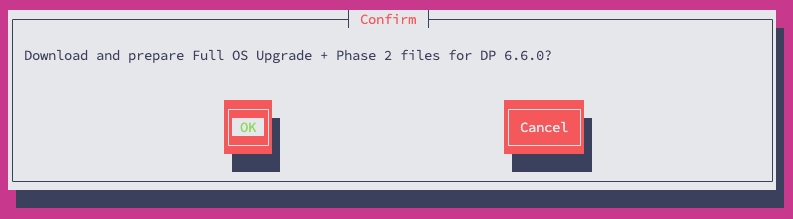
.part files just to force a restart.
Step 5 — Enable HTTP Distribution
After Menu 2 completes, select Menu 3 — Enable HTTP Distribution.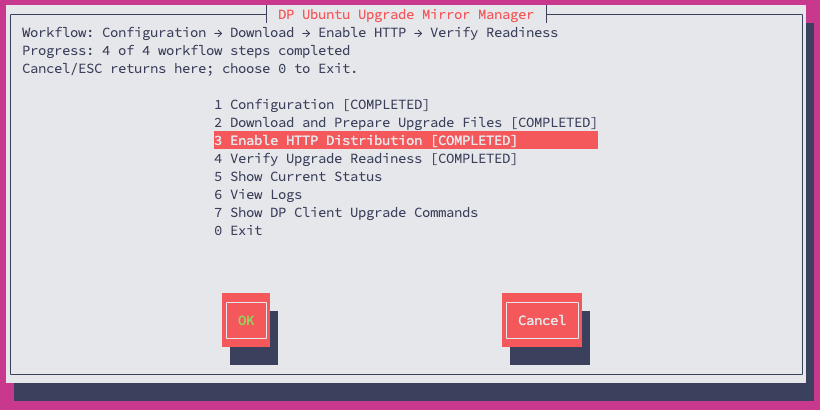
Step 6 — Verify Upgrade Readiness
Select Menu 4 — Verify Upgrade Readiness.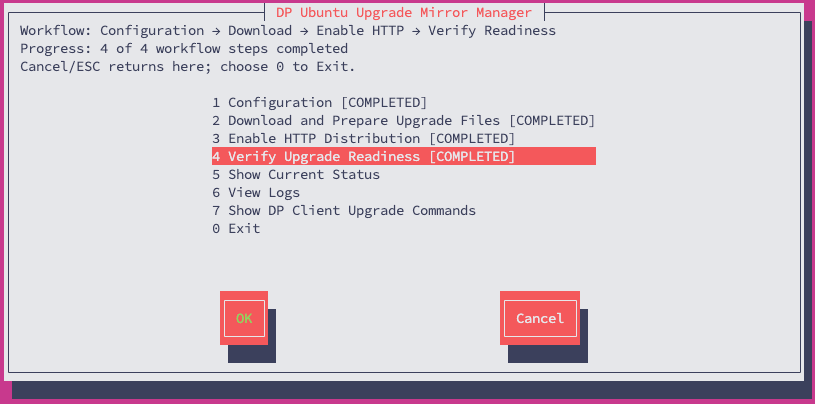
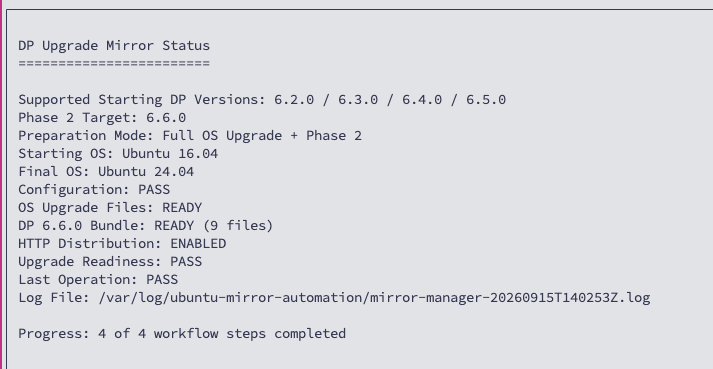
PASS.
Step 7 — Generate fresh DP client commands
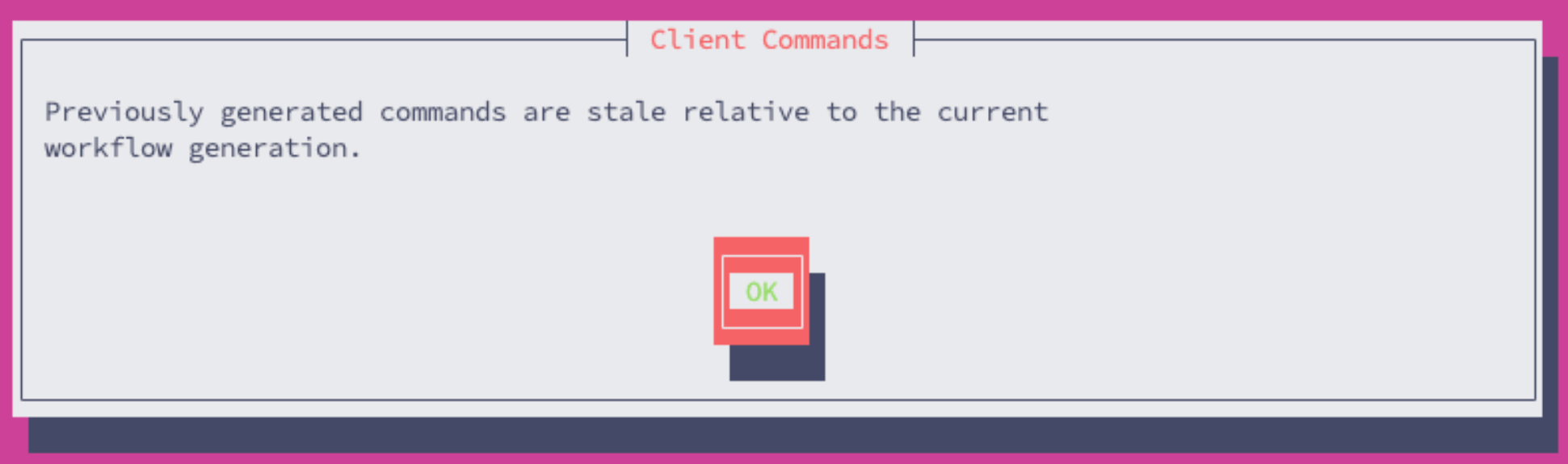
Open Menu 7 — Show DP Client Upgrade Commands only after readiness isPASS.
Menu 7 is the authoritative source for environment-specific commands. The output is also saved at:
Version note: several uploaded screenshots were captured during an earlier 6.5.0 development stage. They are intentionally omitted from this runbook. The active documentation target is DP 6.6.0.
Completion gate
Before proceeding to the DPs, confirm all of the following:- Configuration saved
- ACPS connection tested successfully
- Download and Prepare completed
- HTTP Distribution enabled
- Upgrade Readiness =
PASS - fresh Menu 7 commands generated for the current Mirror Server IP